

Expense reports, done before you're back at the office.
Snap the receipt. Xpense reads it, sends it through your approval route and hands accounting clean lines with the right category, taxes and GL account. For companies, and for your own expenses.
From the receipt to the books in three steps
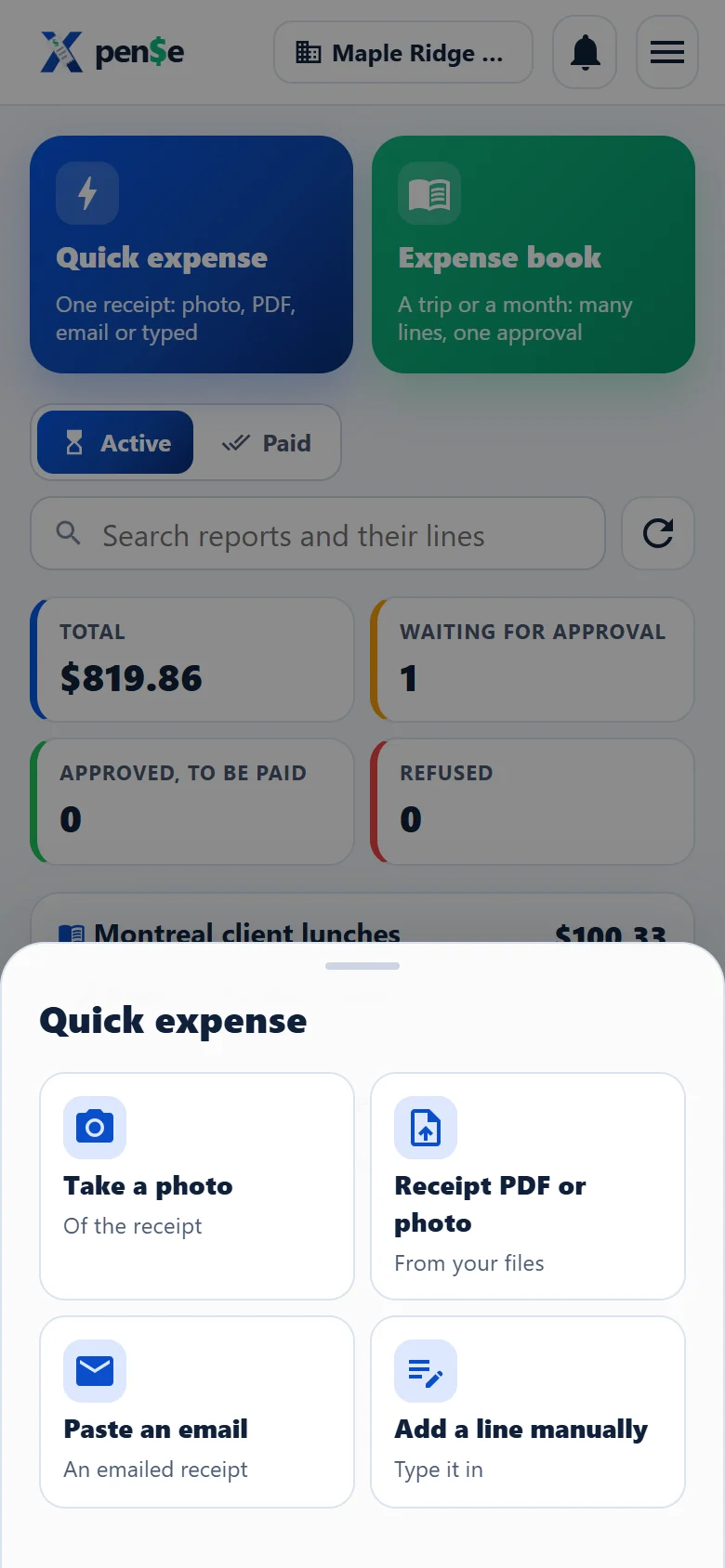
Capture
Take a photo, drop a PDF, paste an e-mailed receipt or type it. Xpense reads the place, date, amount and taxes, and suggests the category.
Approve
The report follows your company's route: supervisor, then up to three levels. Approvers ask a question, adjust an amount or approve in a tap.
Pay and post
Accounts payable marks it paid. Accounting gets coded lines, a journal entry and an Excel file their way, with every change kept.
Everything an expense report needs, nothing it doesn't
No printing, no stapling, no spreadsheets to chase. One place for employees, approvers and accounting.
Receipts read for you
Photos, multi-page PDFs and e-mailed receipts become lines, with the vendor's tax numbers.
Your approval route
Supervisor and up to three levels, questions and answers, approved amounts that differ from the claim.
Ready for accounting
Categories mapped to your GL accounts, a journal entry, and an Excel grid with the columns you choose.
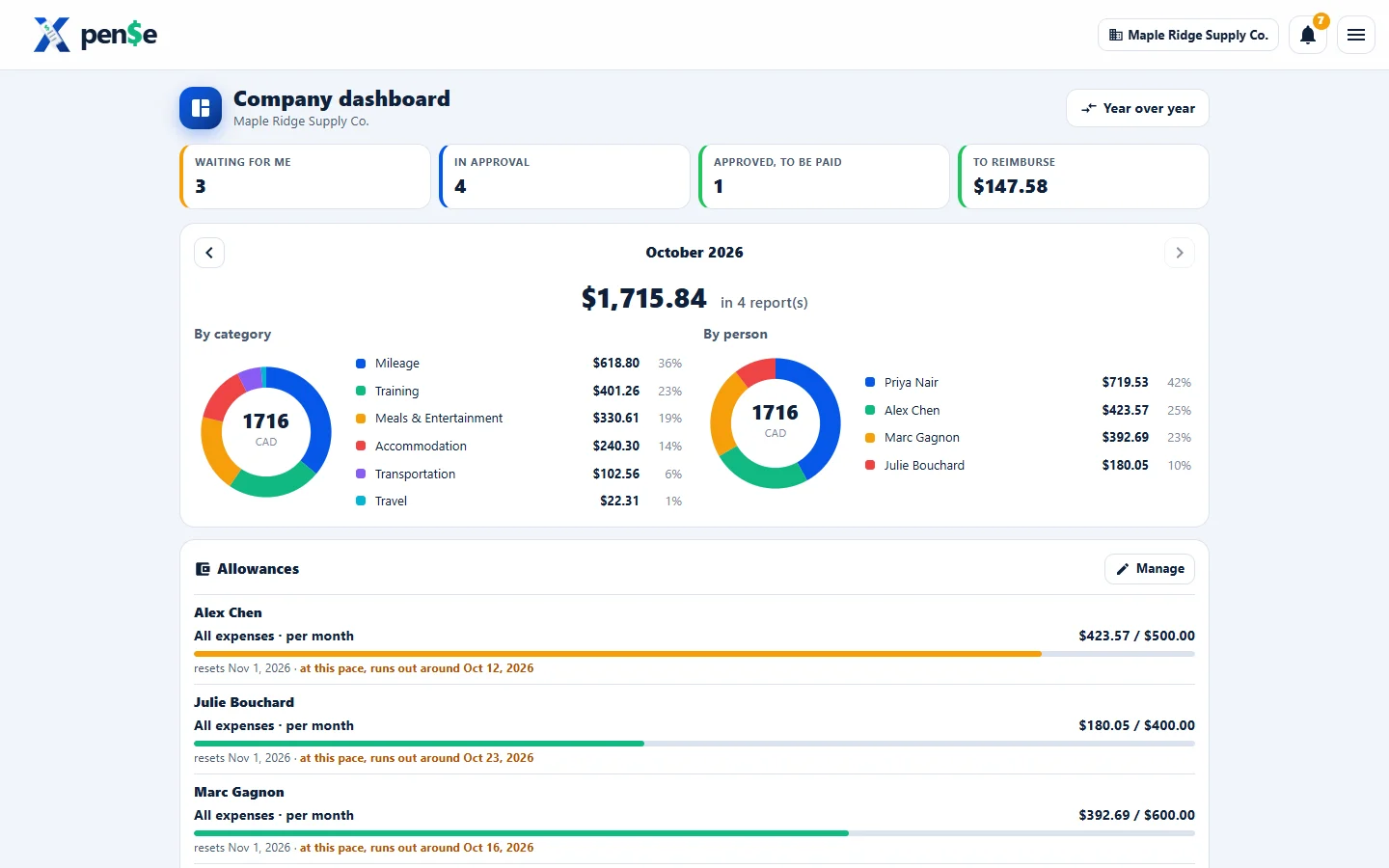
Budgets and dashboards
Spending by category and person, monthly allowances with a heads-up before they run out, year over year.
Card statements
Import the statement; charges match the expenses already entered, and the rest become one report.
Mileage and vehicles
Trips by odometer, business-use percentage, depreciation (CCA) and the CRA's reasonable rates.
CRA rules kept current
Rates and thresholds read from the CRA's pages every day, with a change log your accountant can check.
Three languages
Everyone works in English, French or Spanish; messages can be translated in a tap.
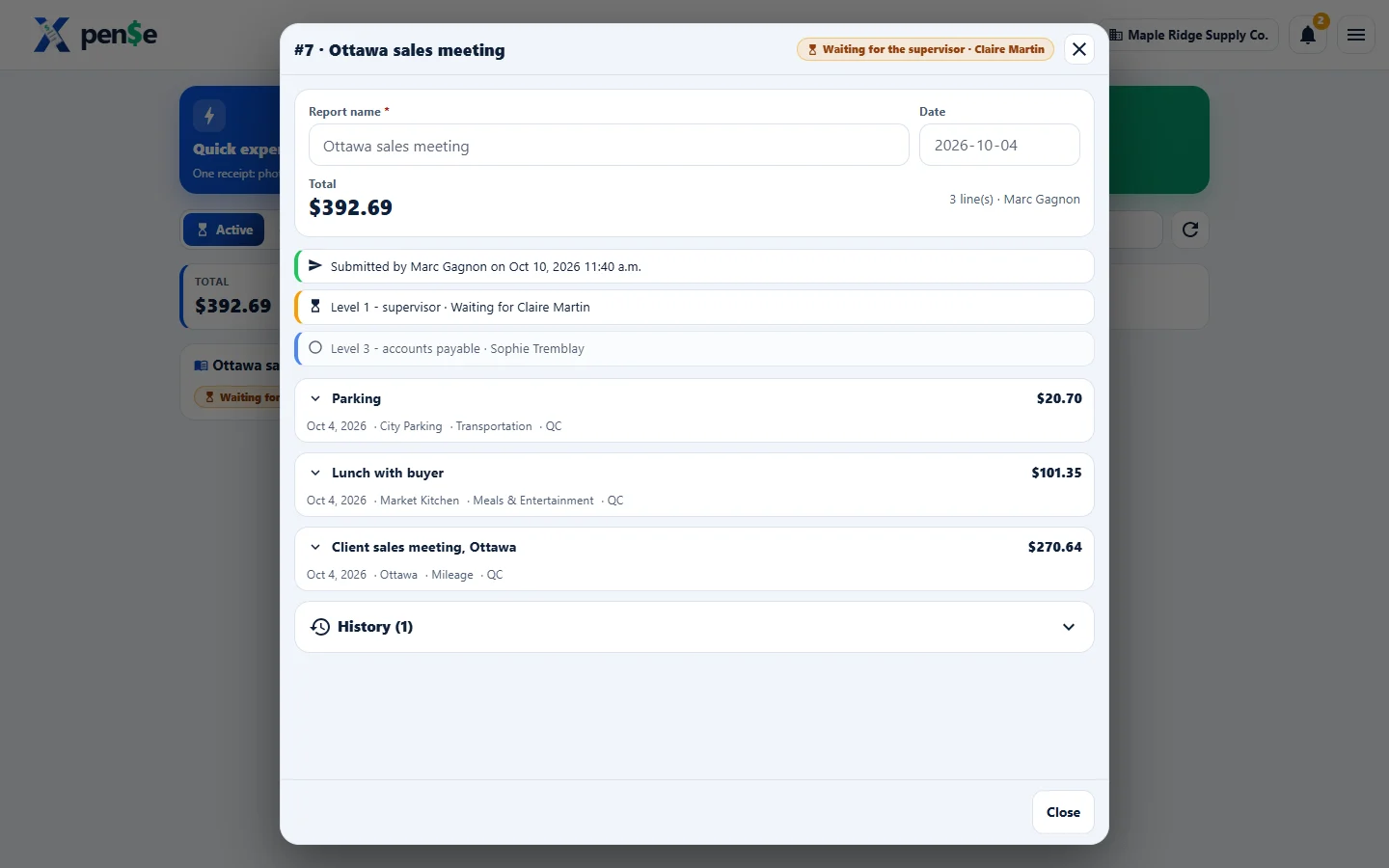
Approve with the receipt in front of you
Each report shows where it stands, who acted and what is left. Nothing waits silently: the next person is notified.
- Your queue first, everything else one tap away
- Ask the employee a question without leaving the report
- Approve a different amount, with the reason kept
Clean, coded lines, the way you post them
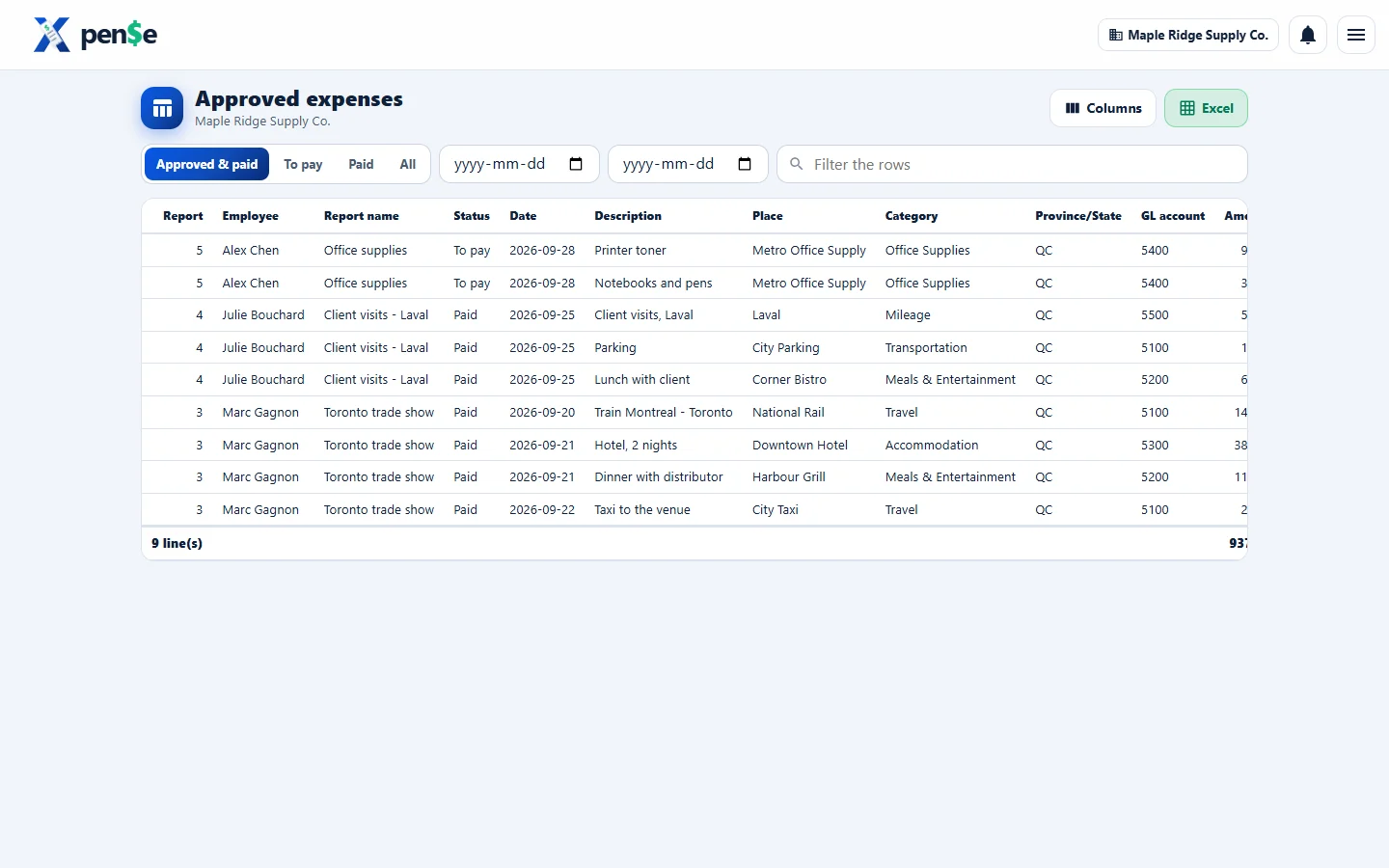
Every line carries its category, province, taxes and GL account. Corrections are logged and teach the employee's next expense.
- The grid with your columns, exported to Excel
- Journal entries with tax accounts split out
- Bank of Canada exchange rates on hand
One app, the right screen for each person
Companies
Roles you define, your approval route, budgets and allowances, your chart of accounts.
Accountants
One grid for everything approved, corrections without back-and-forth, files ready for your system.
The self-employed
A personal workspace for your own receipts, mileage and vehicle, organised for tax time.
Ready when your next receipt is.
Create an account, invite your team, and file the first report today.