

The whole trip of an expense, in one app
Xpense follows a receipt from the moment it's paid to the moment it's in the books: capture, approval, payment and posting, with the right person doing each step.
A receipt takes seconds
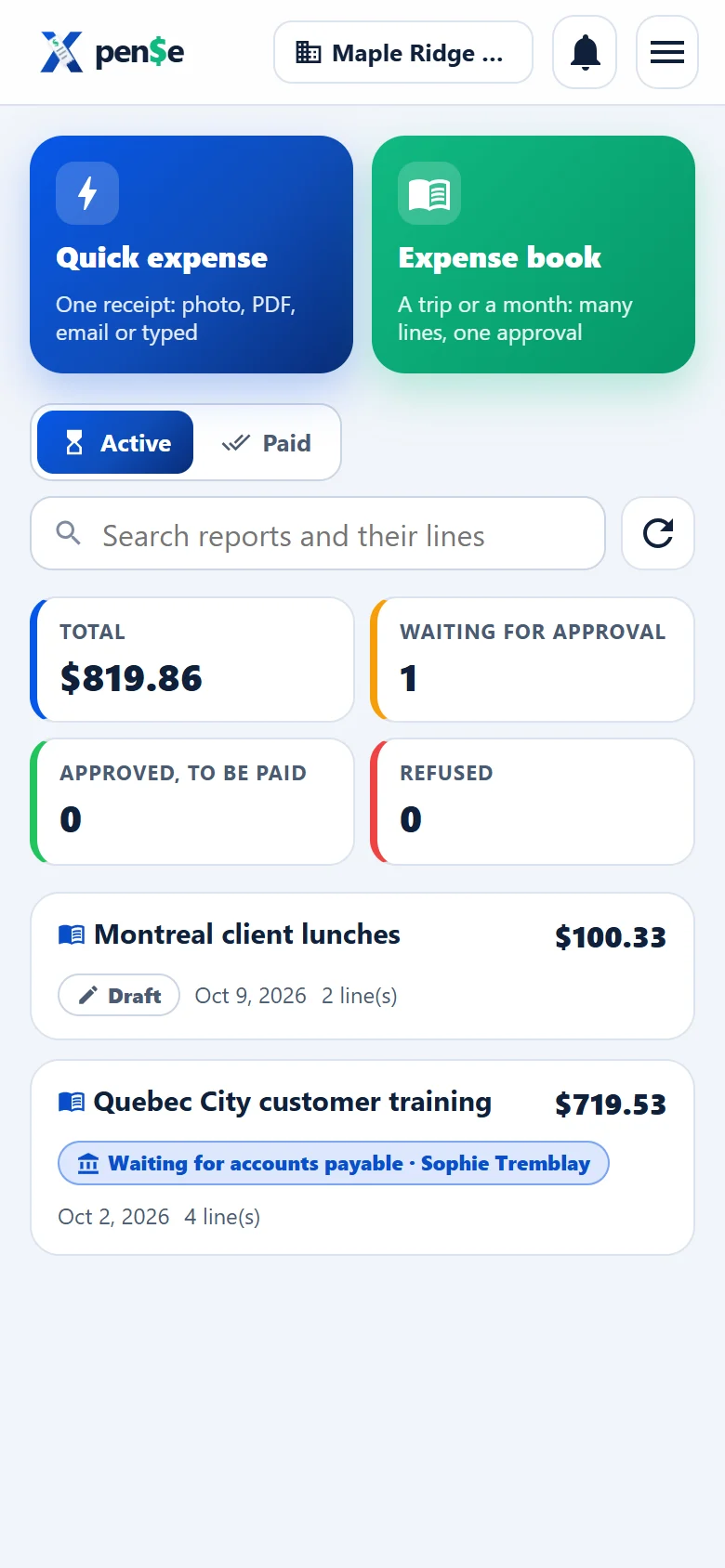
A quick expense for one receipt, or an expense book for a trip or a month.
- Take a photo, add a PDF (one line per receipt found) or paste an e-mailed receipt
- The place, date, amount, taxes and the vendor's GST/QST numbers are read for you
- Your usual places remember their category
- Mileage by distance or odometer, at your company's rate
- See where each report is, and answer questions from approvers
Your queue, and nothing else
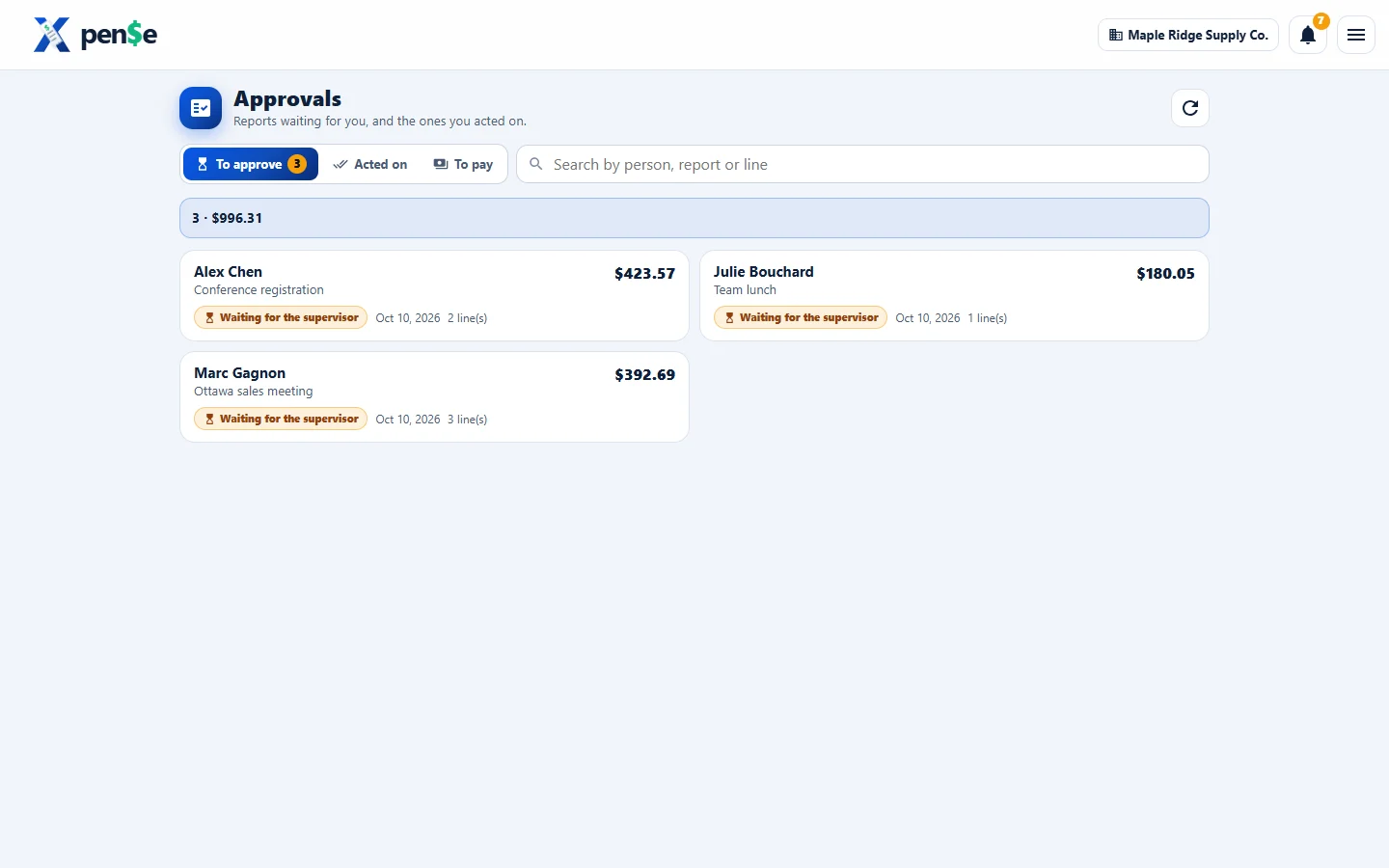
Reports arrive in order, with the receipts and the history of each one.
- The employee's supervisor, then up to three levels you choose
- Approve, send back with a reason, or ask a question
- Approve a different amount than claimed; the reason is kept
- A notice and an e-mail when something waits for you
Posted the way your books expect
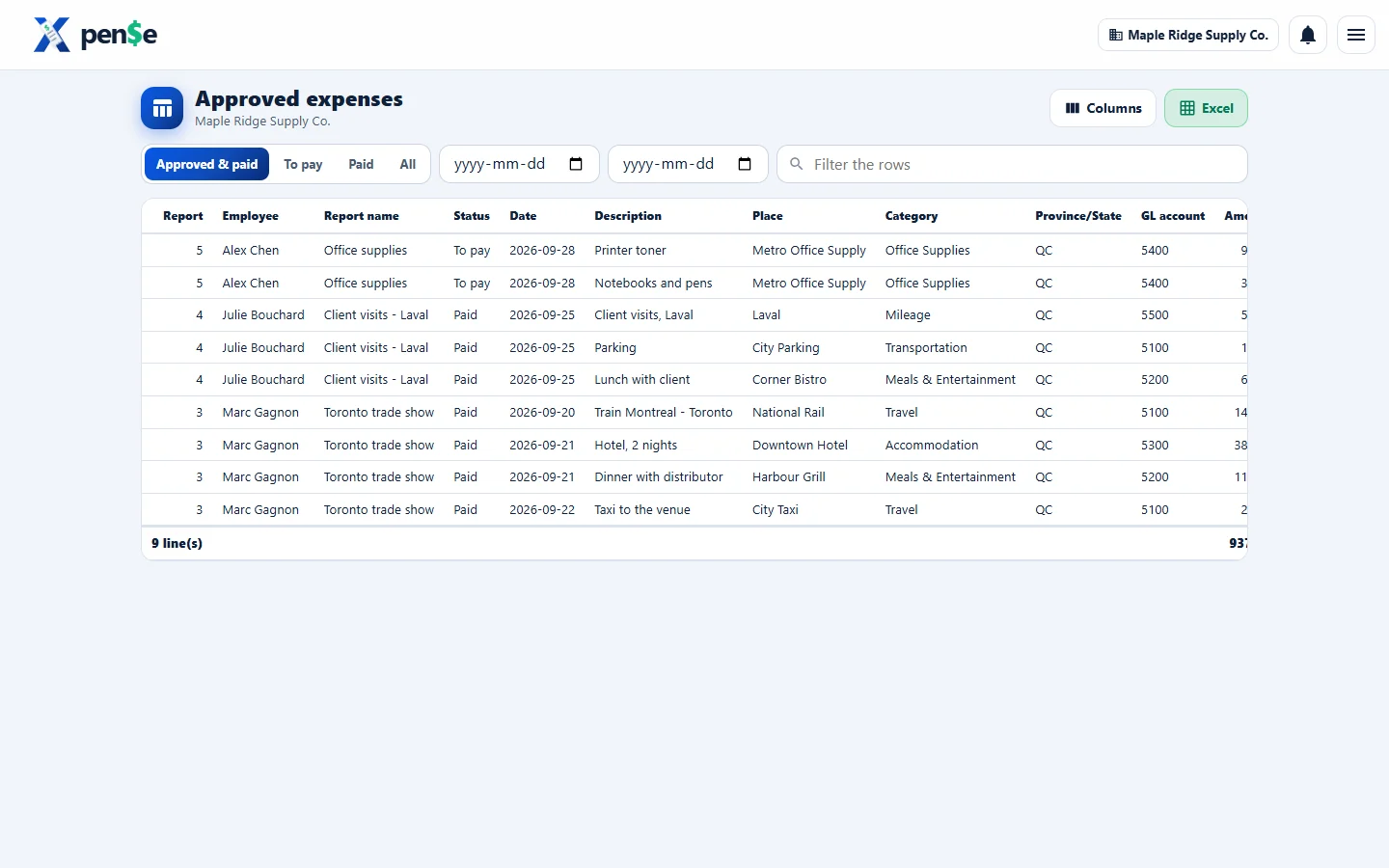
Categories map to your GL accounts, and taxes are split out by province.
- The approved-expenses grid with your choice of columns, to Excel
- Journal entries with GST/HST, QST and other taxes on their own accounts
- Correct a category, date or account; every correction is logged
- Accounts payable marks reports paid with the payment reference
- Bank of Canada exchange rates for every business day
See spending before it surprises you
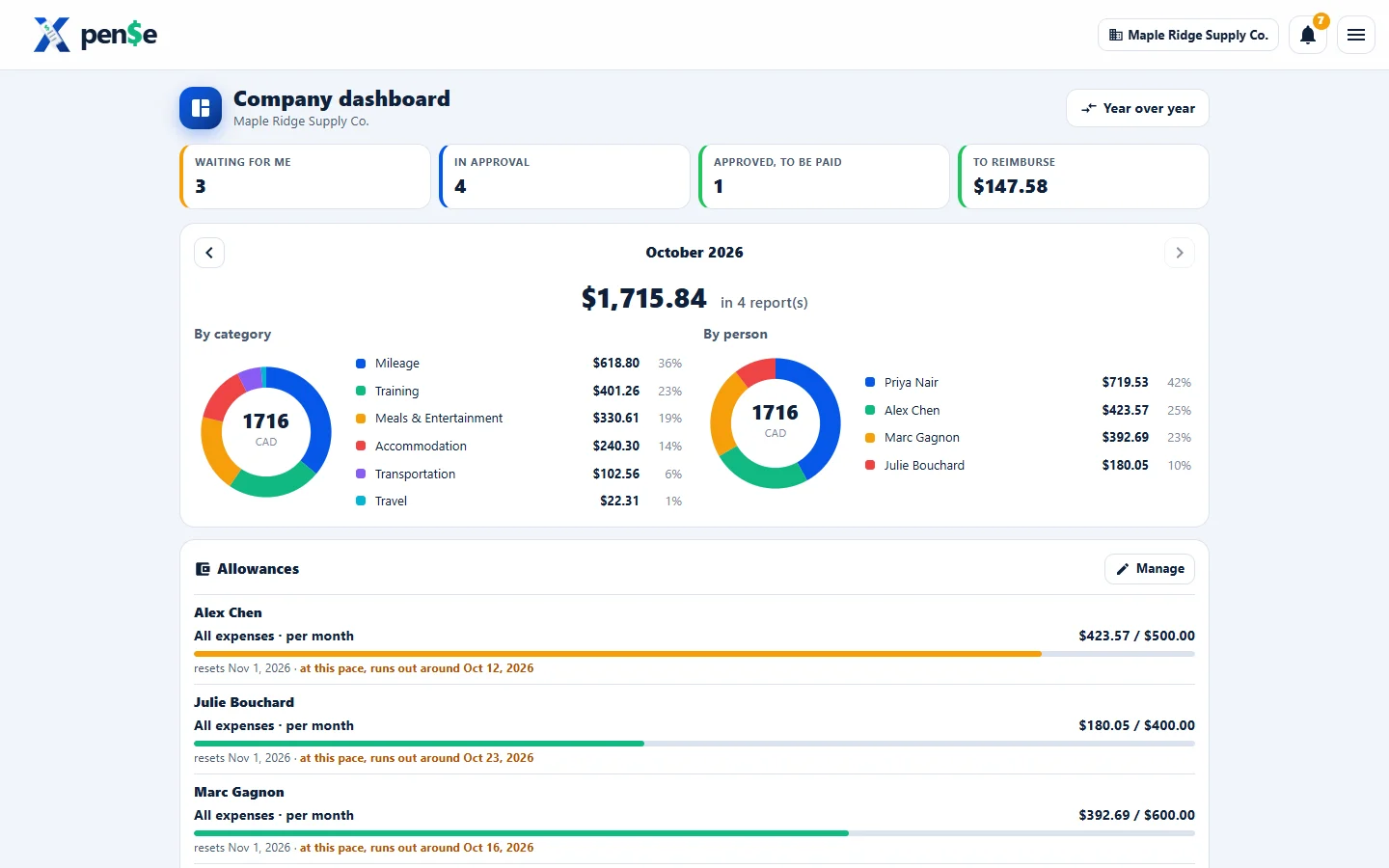
Dashboards by category and person, budgets by GL account and person, and monthly allowances.
- An allowance shows when it will run out at the current pace
- Year over year, month by month
- Roles you define: who approves, who corrects, who pays
- Your own e-mail wording, in three languages
And the details that save hours
Card statements
CSV, OFX or PDF. Charges match the expenses already entered; pick several to make one report.
Vehicles
Yearly odometer, business-use percentage, CCA depreciation, company-car personal kilometres.
CRA rules
Per-km allowance, operating benefit, the class 10.1 ceiling, receipt thresholds: checked daily, every change logged.
Exchange rates
A year of Bank of Canada rates, refreshed every day, with a converter for any date.
Taxes by province
GST, HST, QST and PST worked out where the money was spent, with the vendor numbers needed to claim them back.
A personal workspace
For your own business expenses, next to your employer's, with nothing shared between them.